 Nomad
NomadConvert
One amount. Every currency you pinned.
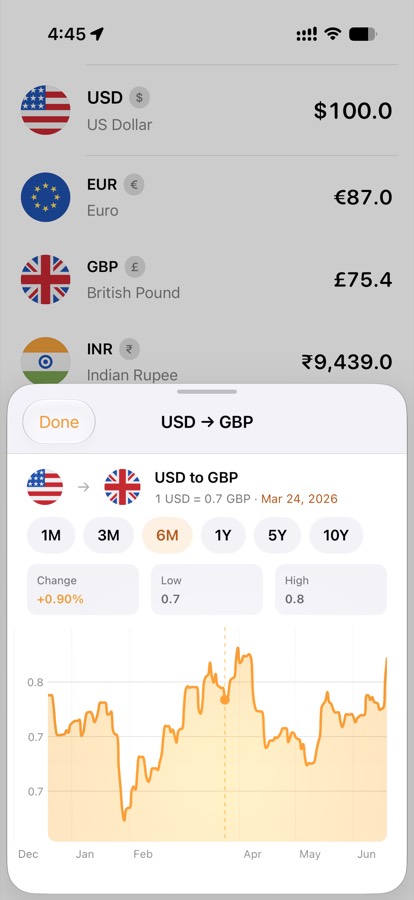
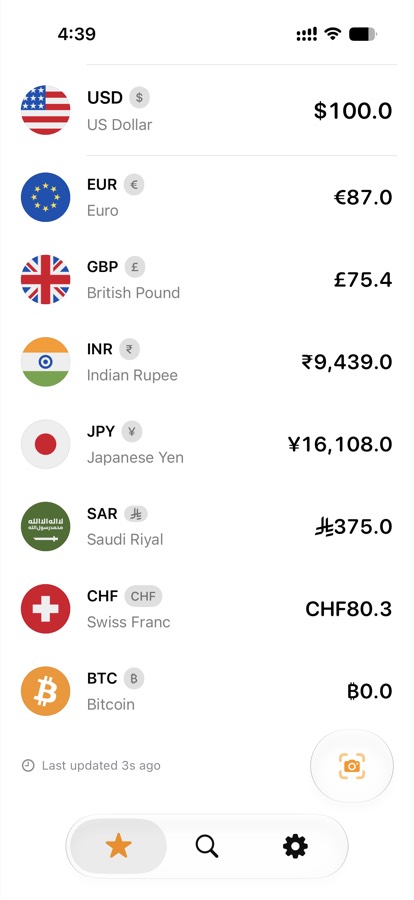
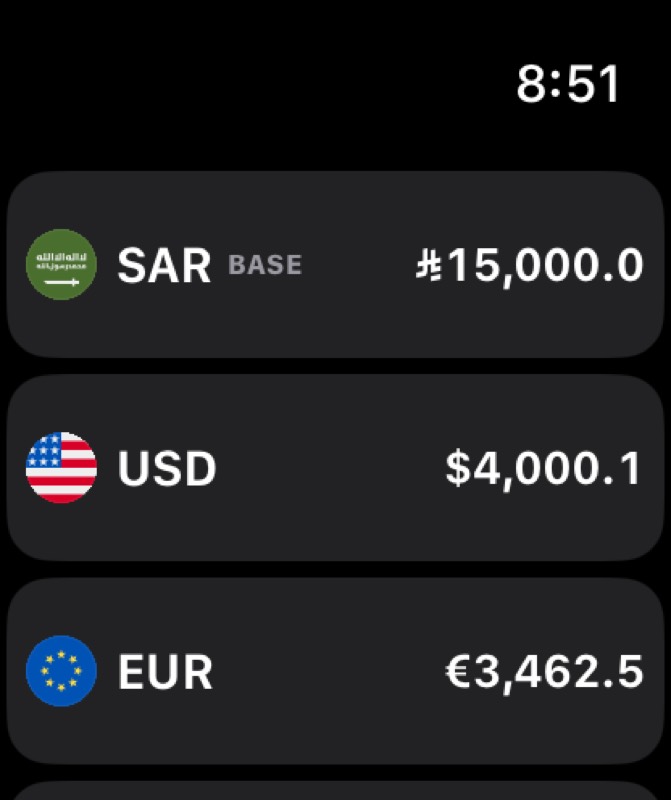
Type on the keypad, watch the list update, and open a chart for how the rate has moved. The riyal and dirham use their own symbols, not a stand-in image.
On-device rates, trips, and receipts
Favorites, shared trip expenses, and Safari shopping prices — with the Saudi riyal treated as a real symbol. Receipts are read on your iPhone. NomadFX does not collect your data.
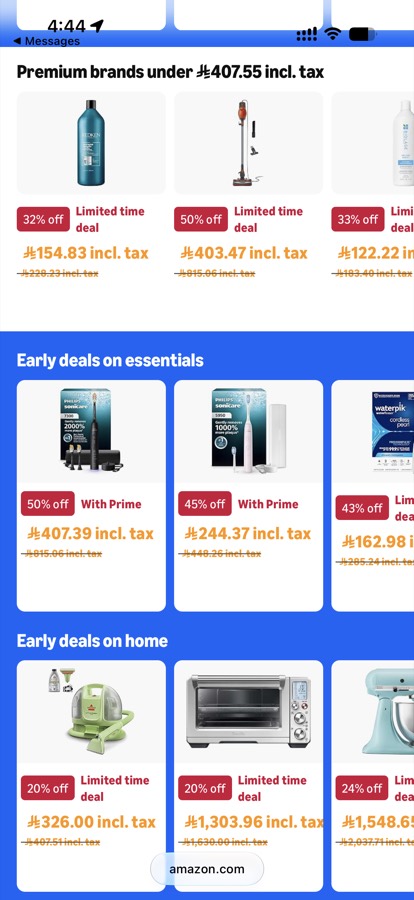
Swipe through the actual screens.
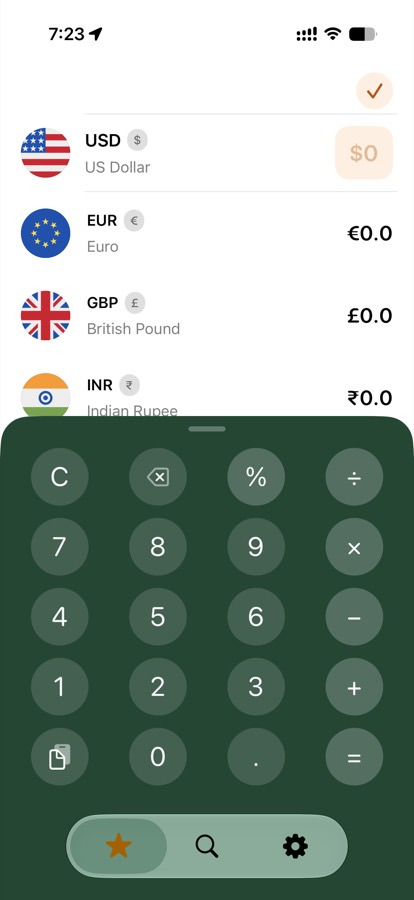
Convert
Type on the keypad, watch the list update, and open a chart for how the rate has moved. The riyal and dirham use their own symbols, not a stand-in image.
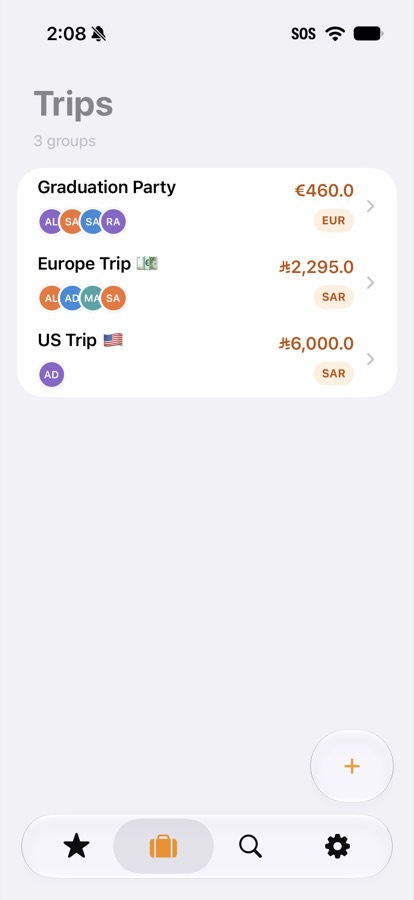
Trips
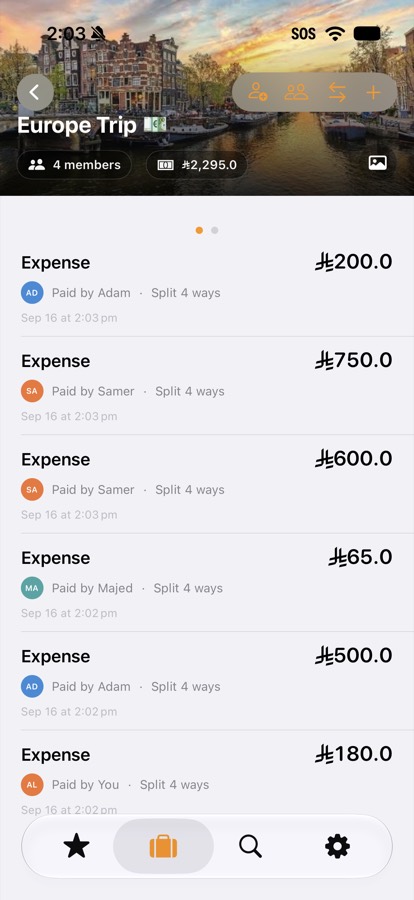
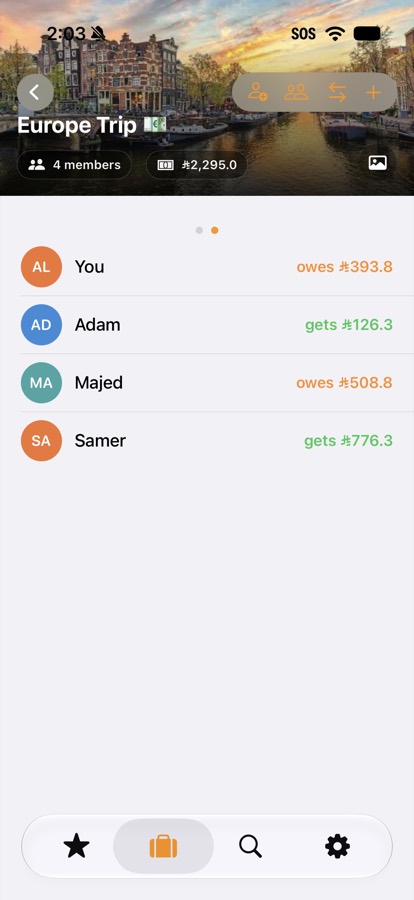
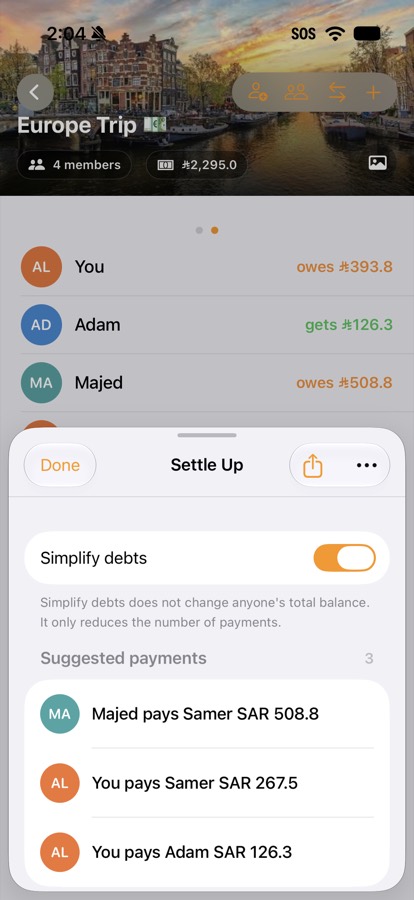
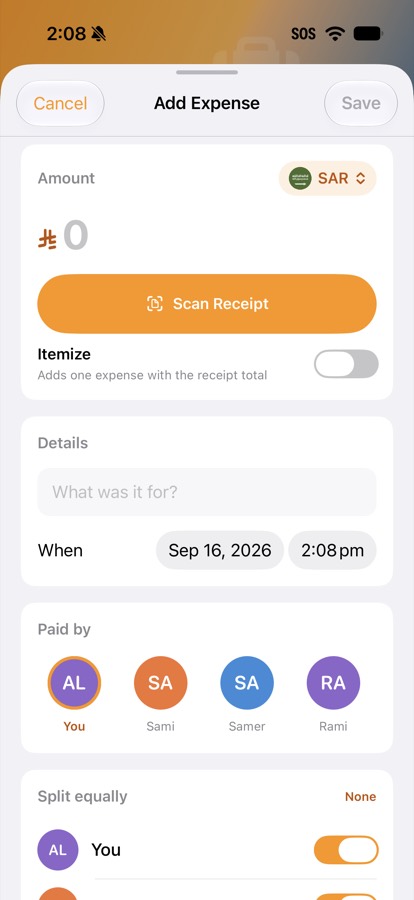
Log what everyone paid, see who owes what, and let NomadFX suggest fewer payments. Scanning a receipt happens on the device — the photo is not uploaded.
Safari
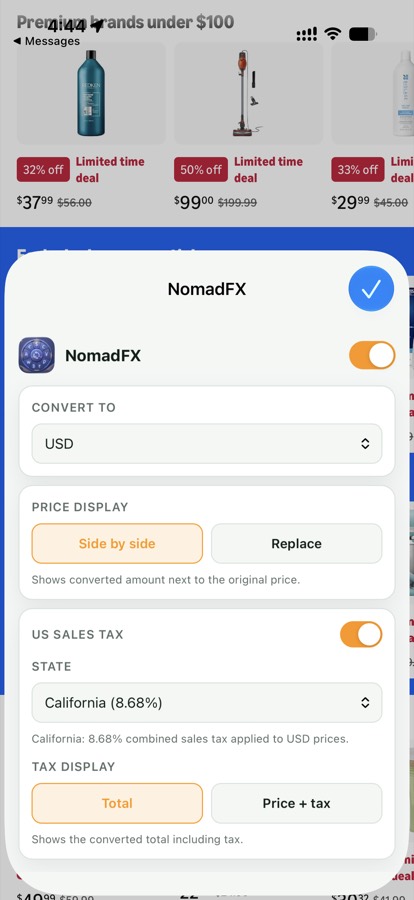
Show the conversion beside the original price, or replace it. Optional US sales tax is an estimate by state. Page text stays in the browser.
Also on your wrist
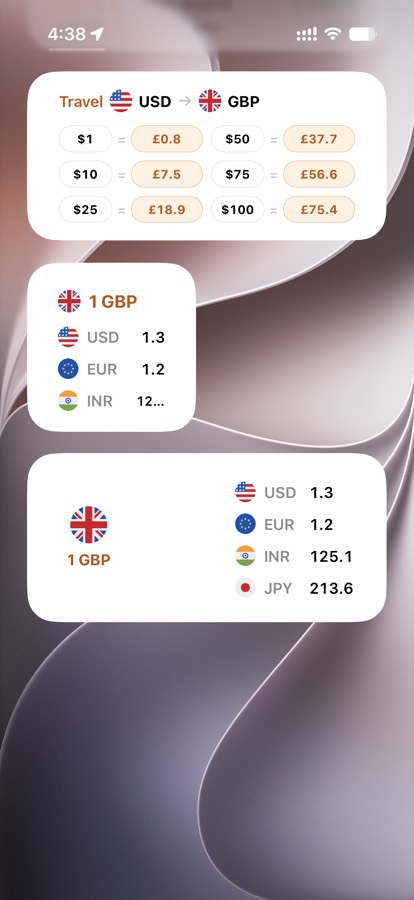
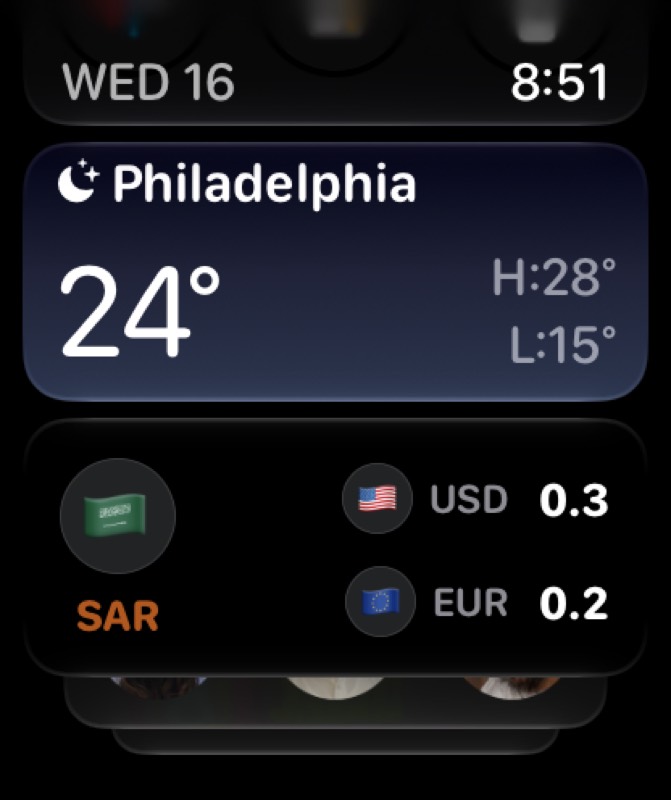
The same favorites follow you out of the phone. Rates refresh when you open NomadFX.
Favorites, trips, and scans stay on your device unless you choose iCloud. Receipts are processed with on-device text recognition and Apple’s on-device model.